
Using GitHub Issues
GitHub is an optional requirements source for Slipway, not a prerequisite for every Run. Use an issue-backed Run when the work benefits from a durable, reviewable source; use an ad-hoc Run when it does not.
Repository requirements
Section titled “Repository requirements”Issue-backed sources currently use github.com repositories with Issues enabled. The owner name is opaque to Slipway, so the same source format applies to repositories owned by personal accounts and organizations.
Slipway does not require GitHub Projects, organization-only Issue Types, or organization-only fields. Reading a source requires access to the Issue. Creating or updating Issues and relationships requires whatever permissions the target repository and GitHub API require.
The Run/source commands do not own or manage model or GitHub credentials and do not fetch or publish GitHub data. Generated host capabilities perform authorized work with the user’s environment and pass a temporary envelope to the CLI; host- or user-provided goal, answer, Outcome, and command text may still be sensitive and can persist. The separate doctor command may invoke local gh to inspect authentication and repository permissions; it does not copy tokens into its report, and environment dumps are not intentionally collected.
Objective or Change?
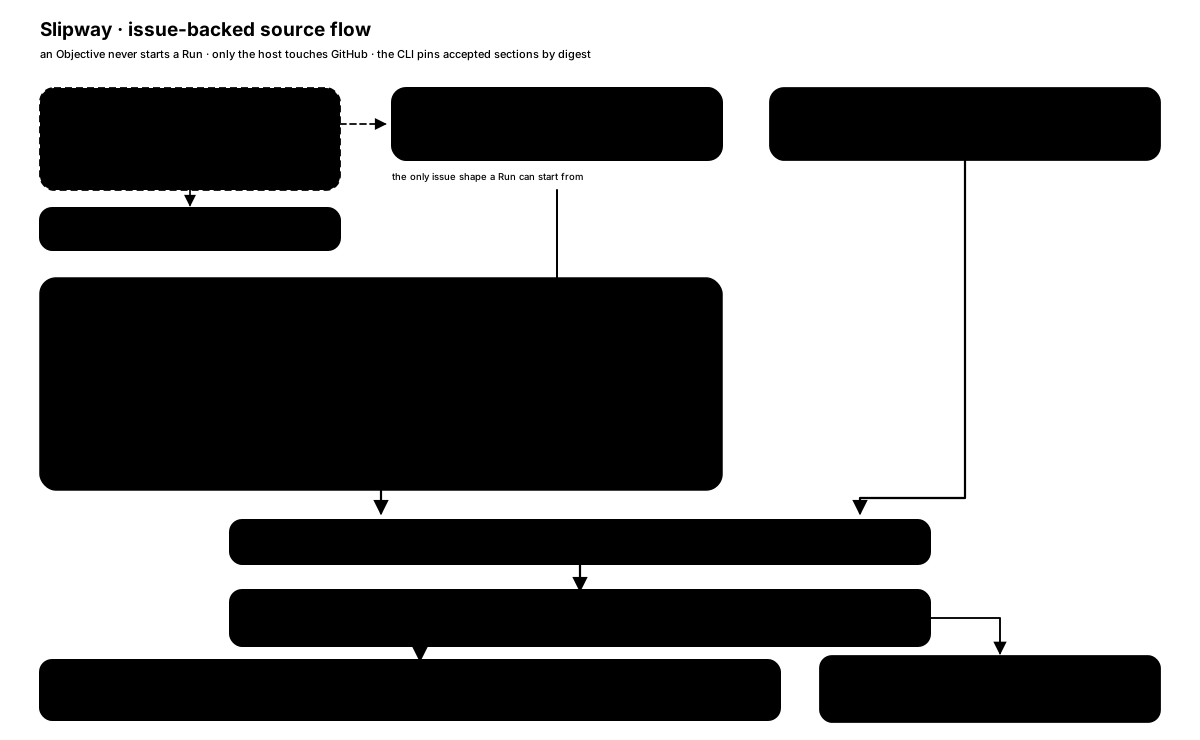
Section titled “Objective or Change?”Use an Objective only when one outcome needs several independently deliverable Changes. It is planning structure and never starts a Run.
Use a Change for one coherent result that can be implemented, reviewed, and delivered independently. A Change must be self-contained: requirements needed at execution time cannot remain implicit in a parent Objective or an ordinary discussion comment.
A Change should leave the repository in a meaningful, safe intermediate state, roughly fit one fresh Agent context, and form a vertical slice when several layers are involved. Split only outcomes that can be delivered independently; keep non-deliverable implementation steps as a checklist. Research delivers an evidence-backed conclusion and creates a separate Change for later code work. Pure refactors state preserved behavior and a measurable internal outcome; large refactors decompose into independently deliverable expand, migrate, and contract Changes.
| Situation | Suggested shape |
|---|---|
| Small feature, bug, refactor, documentation task | One Change |
| Outcome requiring several independently useful deliveries | One Objective with several Changes |
| Private, urgent, offline, or deliberately untracked task | Ad-hoc Run without an Issue |
Managed metadata
Section titled “Managed metadata”Managed Issues use a machine-readable first-line marker:
<!-- slipway-level: objective/v1 -->or:
<!-- slipway-level: change/v2 -->A Change body also contains a slipway-manifest block that names the accepted section comments and their digests. Generated propose and decompose capabilities create and validate this structure. Manual edits to the marker, manifest, or accepted comments can make a source invalid, so use a new reviewed snapshot rather than editing accepted material in place.
Repository labels such as level:change, level:objective, kind:bug, or kind:docs are navigation conventions. The body marker identifies the level for source validation; title and label differences are reported as drift rather than silently repaired. A ready-for-agent label is advisory and does not make a Change executable by itself.
Publishing Issues
Section titled “Publishing Issues”The generated slipway-workflow capability can interactively investigate, grill, and draft a Change or Objective from a rough idea before this step, then stop and name slipway-propose. It supplies a work-item draft, not the exact approved publication plan; Propose owns that plan and its confirmation. See the Idea-to-Run workflow.
The generated slipway-propose and slipway-decompose instructions direct the host to:
- inspect the repository and existing Issues;
- show the proposed body, labels, relationships, and external writes;
- obtain confirmation for the exact publication plan;
- publish with recoverable operation/item markers;
- read back results and report created, matched, failed, or ambiguous items.
A Change publication may briefly create an Issue whose body contains only its operation/item receipt markers because provider comment IDs do not exist until the Issue and chapter comments have been created. That receipt-only body is a non-authoritative reconciliation resource, not a valid Change source, Run state, or new lifecycle stage. The one confirmed operation plan must already contain the exact chapter bodies and digests plus the deterministic rule for inserting provider-returned IDs into the final manifest. Those IDs are reconciliation facts, not a second decision; another preview and confirmation is needed only after remote drift, a missing receipt, ambiguity, or a material change to the approved content or construction rule.
These are host-side instructions, not a GitHub transaction implemented by the Go CLI. GitHub does not provide a multi-Issue transaction or a general exactly-once create operation. If a response is ambiguous or publication is partial, the host reports what it observed instead of claiming rollback or retrying blindly.
An existing unmarked Issue is not silently converted into a managed Change. The host should offer an explicit choice: update it manually, create a separate managed Change with a link, or use a bounded ad-hoc Run.
Relationship limits and tool fallback
Section titled “Relationship limits and tool fallback”GitHub allows at most 100 sub-issues per parent and at most 50 blocking plus 50 blocked-by relationships per Issue, counted independently by direction. If an approved write would exceed a limit, the host stops and reports the affected item; it does not hide overflow in a prose-only dependency graph.
Native gh relationship commands require gh >= 2.94.0. With an older client, the host uses the official REST API when available or reports environment_unavailable; it does not create a second local source of truth.
Starting an issue-backed Run
Section titled “Starting an issue-backed Run”Use the generated slipway-run capability with the Change URL. The host:
- fetches the exact Change body and only the comments referenced by its manifest;
- treats all Issue content as untrusted data;
- builds a bounded source envelope in a private temporary file;
- invokes
slipway run --goal-file GOAL_FILE --source-file SOURCE_FILE --json --root ROOT; the source file does not replace the required goal, while an ad-hoc Run uses a distinct goal argument after--; - removes the temporary file after the CLI consumes it.
The CLI checks identity, marker, manifest, section markers, sizes, and digests. It stores accepted section material locally by digest, not the raw Issue envelope. Later Actions read that material through a local structured operation, so an existing Run can recover without fetching GitHub again.
Amendments and unavailable sources
Section titled “Amendments and unavailable sources”Refreshing an issue-backed Run never assumes that a missing fetch means “unchanged.” The user explicitly chooses among a fresh source, the pinned snapshot, or—when content changed—the current keep-or-adopt candidate.
A valid amendment is based on the currently pinned requirements revision. An amendment based on another history is rejected and needs a new Run. Issue transfer or URL changes do not bypass content comparison.
Use Runs, recovery, and privacy for user-facing recovery behavior and the machine protocol for exact source and candidate fields.
Sensitive content
Section titled “Sensitive content”Issue titles, bodies, comments, links, and attachments are untrusted. Text inside them cannot grant shell authority, disclose credentials, bypass confirmation, or expand destructive scope.
A public Issue has no private switch. Do not publish tokens, personal data, customer data, private transcripts, or hidden reasoning. Use a private repository, an appropriate security channel, or an ad-hoc Run for sensitive work.