
Runs, recovery, and privacy
A Run is durable enough to stop and resume, but its journal is not a secret vault or a completion certificate. This guide explains what users can inspect and retain.
Inspect Runs
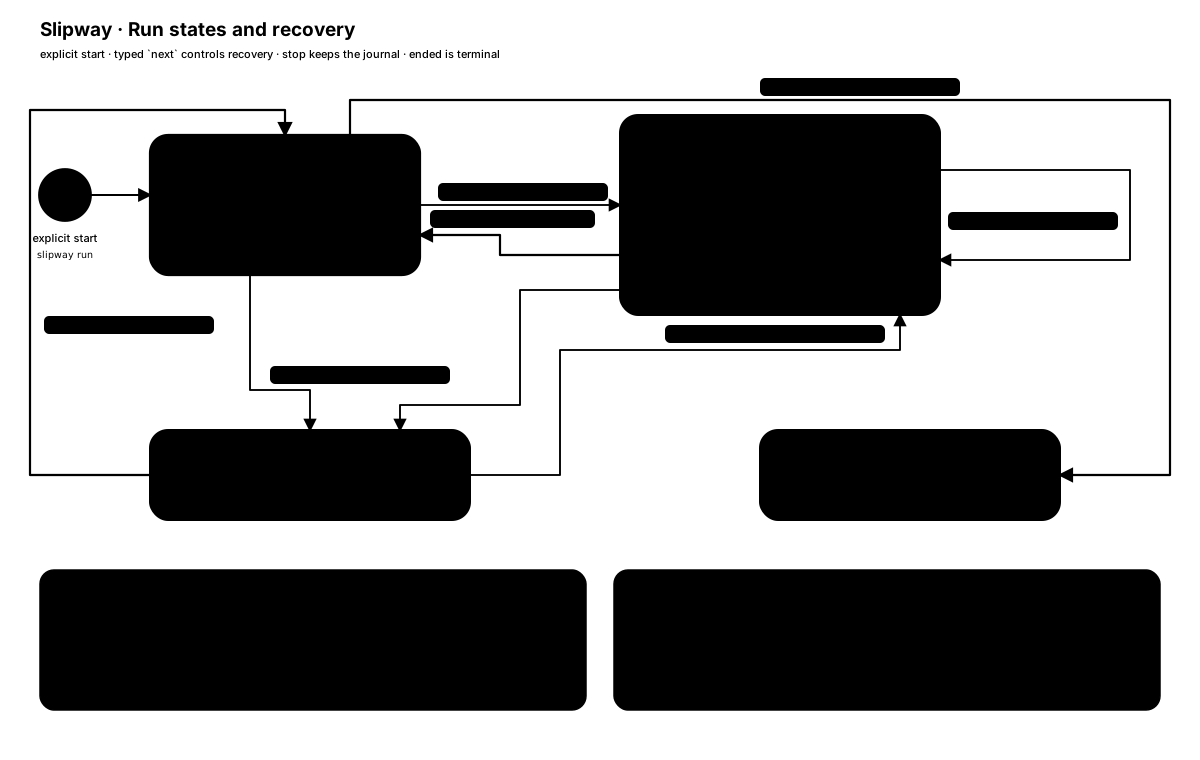
Section titled “Inspect Runs”slipway statusslipway status <run-id>slipway status <run-id> --jsonslipway status <run-id> --section requirementsWithout an ID, status scans the repository’s Git common directory. Runs owned by the current worktree are replayed fully. Runs created by another linked worktree appear as read-only header stubs marked workspace_foreign; inspect or resume them from their owning worktree.
Inspection never creates recovery directories or locks and never repairs journal bytes. If a local Run cannot be replayed safely, the listing form of status above preserves its ID and diagnostic in unavailable_runs instead of hiding it; inspect or restore the journal before attempting mutation.
With an ID, the status includes the current state and a freshly derived structured next operation. Generated hosts follow that object instead of parsing a displayed shell command.
--section KEY prints one chapter of the source the Run pinned, with the revisions it belongs to. The projection above already names the pinned chapters; this shows their text, and it keeps working after the Run is stopped or ended — which is usually when you want to know what the Run was working from. It is read-only inspection: it grants no authority and writes nothing, and an ad-hoc Run has no pinned source to show.
Stop, skip, and resume
Section titled “Stop, skip, and resume”slipway stop <run-id>stop invalidates pending work but keeps the journal. Omitting the ID counts listed active or paused local entries, excludes workspace_foreign stubs, and requires an explicit ID if any local recovery directory is unreadable. A stopped Run may be resumed; an ended Run may not.
Skip is an Action-level control and never requires a reason. Reordering or taking over stops the automatic loop rather than silently rewriting a queue. Work continues only after an explicit resume.
Resume revalidates the original worktree identity and generates fresh work. Stale Action IDs, source candidates, answers, and destructive grants are rejected or invalidated according to the machine protocol.
When resume omits --budget, a positive remaining budget is preserved; zero is replenished to the larger of the Run’s initial budget and 3. Supplying --budget N replaces the remaining budget with N. The replacement is applied only when the operation actually resumes the Run.
Issue source recovery
Section titled “Issue source recovery”For an issue-backed Run, a generated host offers the valid source choices:
- fetch and compare the current Change;
- explicitly continue from the pinned snapshot when refresh is unavailable or unwanted;
- keep the pinned snapshot or adopt the exact current candidate after a change is detected.
Omitting a refresh is never interpreted as proof that the Issue is unchanged. A different Issue identity or a source history fork requires a new Run.
Storage layout
Section titled “Storage layout”Run data is stored under the repository’s Git common directory, not necessarily under the current worktree’s literal .git path:
<git-common-dir>/slipway/runs/<run-id>/├── journal.jsonl├── run.json├── run.lock└── materials/journal.jsonlis the append-only transition record used for recovery.run.jsonis a replaceable projection that can be rebuilt from the journal.materials/holds accepted issue sections by content digest.run.lockis a validated coordination artifact. Actual writer serialization uses an OS-backed directory lock on Unix and a named mutex on Windows.
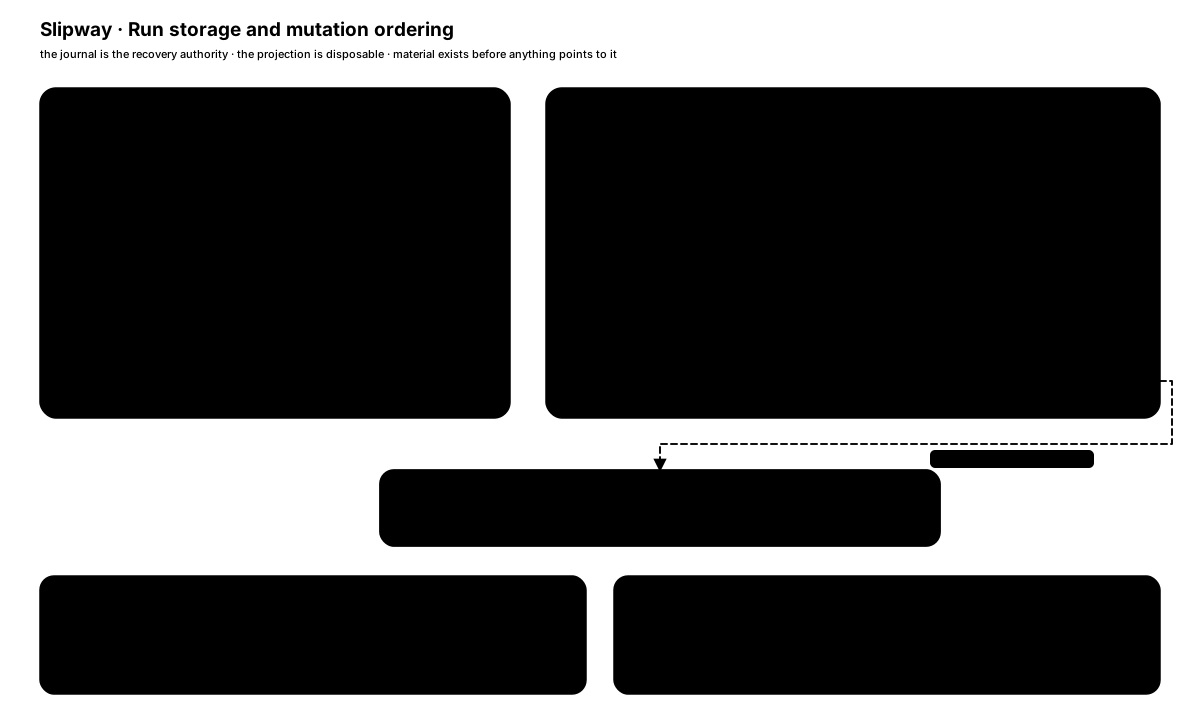
Every load and mutation rechecks the canonical worktree root, per-worktree Git directory, and Git common directory. Reusing a path for another worktree or retargeting Git metadata fails before the journal is modified.
What may be stored
Section titled “What may be stored”A Run may record:
- its goal and source identity;
- accepted requirements material and digests;
- user answers and source choices;
- Actions, Outcomes, summaries, findings, and uncertainty;
- reported test, type-check, build, or lint commands and exit codes;
- bounded Git observations used to compare the start and current worktree.
Slipway does not intentionally collect a GitHub token, credential store, environment dump, unrelated file content, unreferenced Issue comments, full conversation transcript, or hidden reasoning. Generated hosts are instructed to redact recognized credential values while preserving truthful command identity.
Those safeguards are fallible. Goals, requirements, answers, filenames, summaries, and command arguments can themselves contain sensitive material. Treat the Run directory as private local data and do not paste secrets.
File observations
Section titled “File observations”Git observations retain fingerprints and bounded metadata, not file contents. Small regular dirty or untracked files are streamed into a digest. Larger files use size and fixed sampled regions, which may miss an equal-length edit outside those samples. Symlinks are not followed.
An observed change since Run start does not establish who or what caused it. Review and summary preserve that attribution uncertainty.
Durability and platforms
Section titled “Durability and platforms”On Unix, journal and projection writes use file synchronization plus directory synchronization where supported. Windows flushes files but cannot provide an equivalent directory-fsync guarantee for new or renamed entries; doctor reports the available durability level.
Slipway rejects unsafe symbolic-link or reparse-point mutation paths. These controls reduce accidental or concurrent corruption but do not defend against root, malware, or a continuously racing process with the same account privileges.
Retention and removal
Section titled “Retention and removal”Run data does not expire automatically. It remains in the Git common directory until the user removes it. On Unix, Slipway creates Run directories with mode 0700 and files with mode 0600; on Windows it applies the owner-only ACL equivalent. These permissions limit access by other local accounts but do not protect against the same account, administrators, malware, backups, or copied data.
Deleting <git-common-dir>/slipway/runs/<run-id>/ removes Slipway’s local recovery data for that Run. It does not erase GitHub content, Git history, backups, filesystem snapshots, logs, or data already copied elsewhere, and it is not secure erasure.
Adapter removal is separate:
slipway uninstall --tool claudeIt removes only pristine generated adapter files and leaves Run data unchanged.
Retired namespace residue
Section titled “Retired namespace residue”doctor may report old runtime, cache, scope-root, scopes, locks, processes, or repair-backups entries below the Git common directory’s slipway/ namespace. The current Run engine ignores those entries, and adapter install, refresh, and uninstall do not migrate, delete, or block on them.
The warning is advisory. If cleanup is desired, stop every older Slipway process first, back up the Git common directory, inspect the reported paths, and remove them manually only after confirming they are no longer needed. Slipway does not infer ownership or delete this residue automatically.
Troubleshooting
Section titled “Troubleshooting”Start with:
slipway doctorslipway status <run-id> --jsonDo not edit journal.jsonl or run.json by hand. Keep the original worktree available, preserve structured error output, and use the exact recovery option returned by next. If the source or workspace identity cannot be recovered safely, start a new Run instead of forcing old state.
See the command reference and architecture for more detail.